A layered image
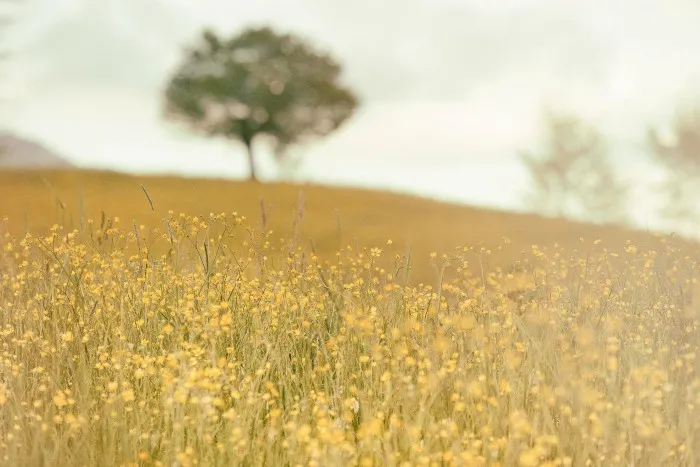
Layers can make an image even more interesting. You can divide the image into several parts: the foreground, the centrepiece, and the background. There must be something to see in the foreground, centre and background. This is what draws the viewer into the photograph. Of course, it must also contribute to the final desired result and the theme of the photo. In a landscape photo, for example, fallen trees, shrubs, a shed or a water line make for interesting layers.
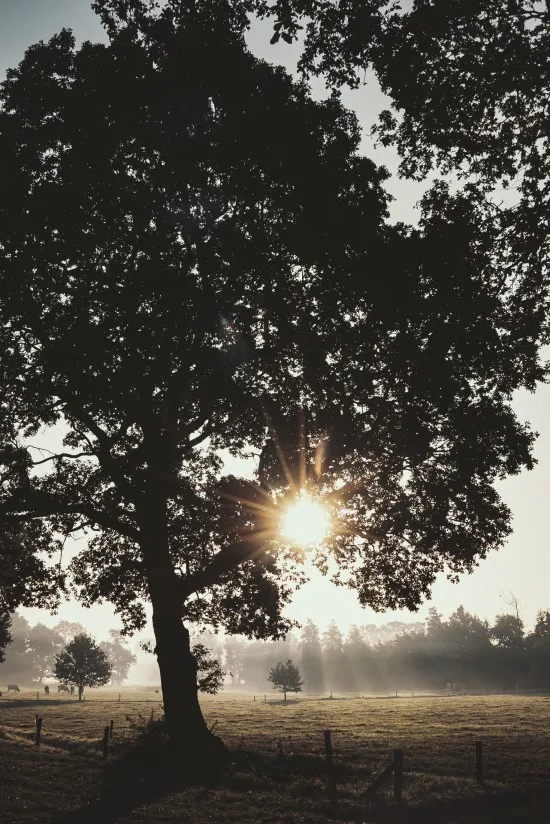
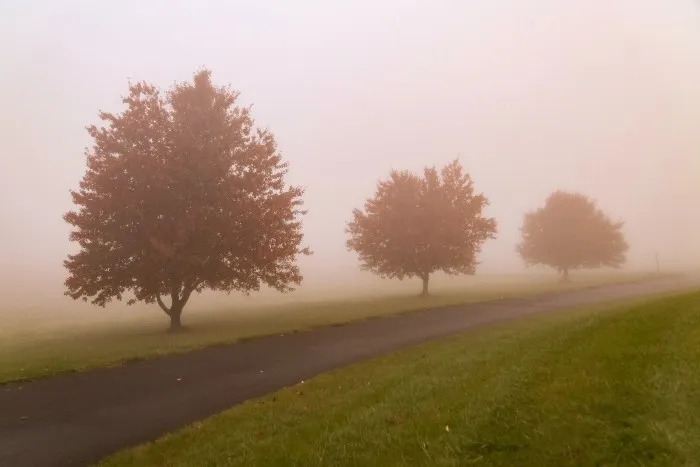
By looking at the landscape in line shapes, you can quickly achieve an attractive image and easily draw the viewer into the picture. Try seeing a row of trees, ditches in a meadow, and the horizon as lines. Lines automatically add depth to your photo. Shadows do this too, by the way. Especially when the sun is low, you often get interesting shadows and line play.
Choose the right perspective
The perspective from which you photograph is very decisive for the final result. In general, you can assume that a higher viewpoint will give you more of an overview and a lower viewpoint will make you feel like you are standing in the landscape as a viewer. So it depends very much on the kind of landscape you are photographing and the result you want to achieve with your photo. It's wise to try out several options so you can choose the best effect later.
You definitely need to use your creativity. Sometimes you can gain more height by simply climbing a fence to get the perfect picture.